

Skip to content
StediGuard

Personal safety, on your wrist

Steady steps. Peace of mind, every day.

The StediGuard B10 and a smart app help spot possible falls and alert the people you trust.

Free app for Android and iPhone, with optional Premium.

A younger woman and an older woman laughing together on a sofa at home
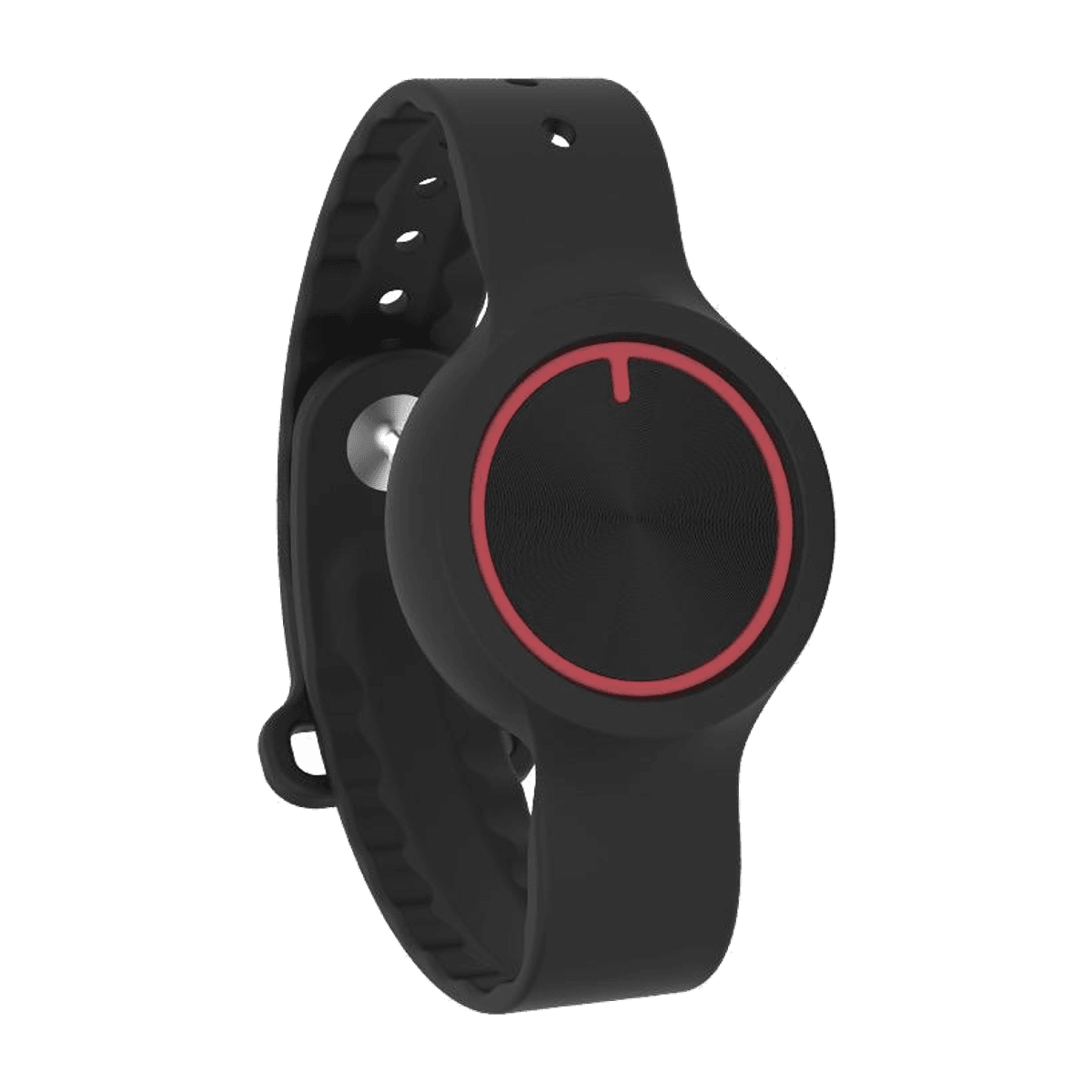
The StediGuard B10 wristband: a round black device with a red ring on its face and an adjustable strap
StediGuard home screen showing today's activity, an Activity Score of 50, the Activate SOS button, Silent SOS and Fall Detection switched on

The B10

Small on your wrist. Big on reassurance.

The StediGuard B10 by Vital Eye Health shares your movement with the app.

  • Bluetooth to your phone
  • Works with the app
  1. The StediGuard B10 at a three quarter angle, showing the round face with its red ringSOS button
    The B10
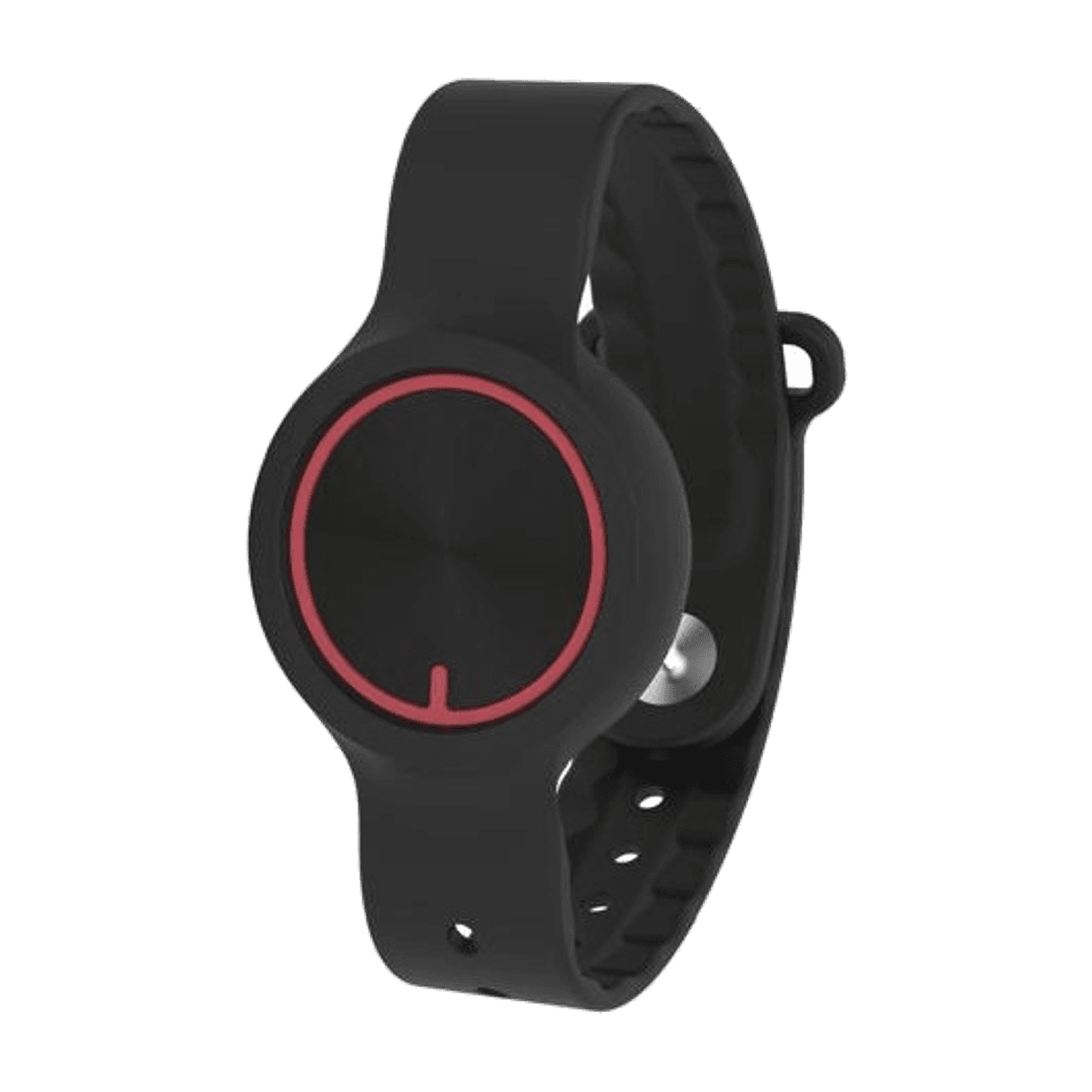
  2. The StediGuard B10 from the front, with its round face and adjustable strap
    Front
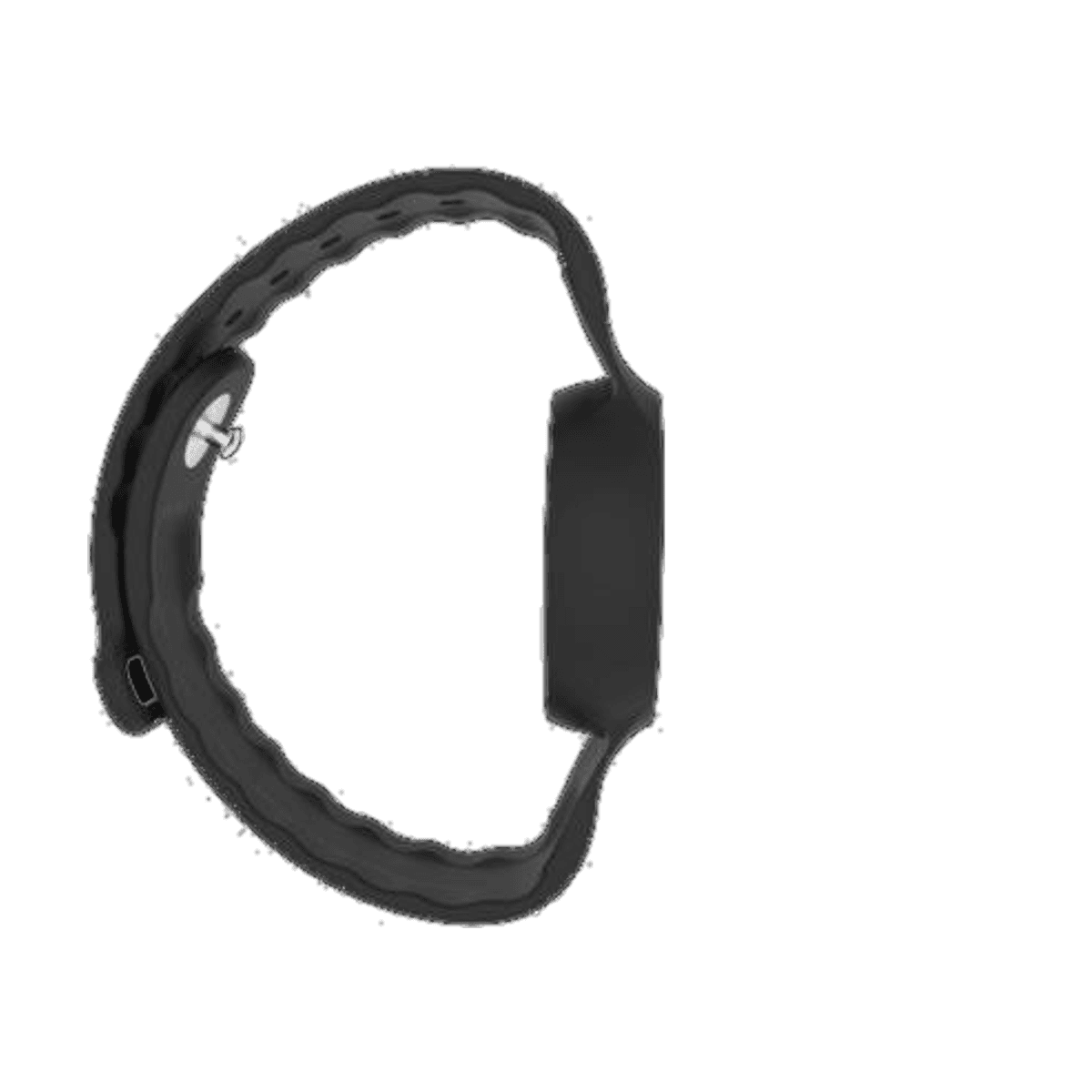
  3. The StediGuard B10 in profile, showing the slim pod on the strapMotion sensing
    Profile
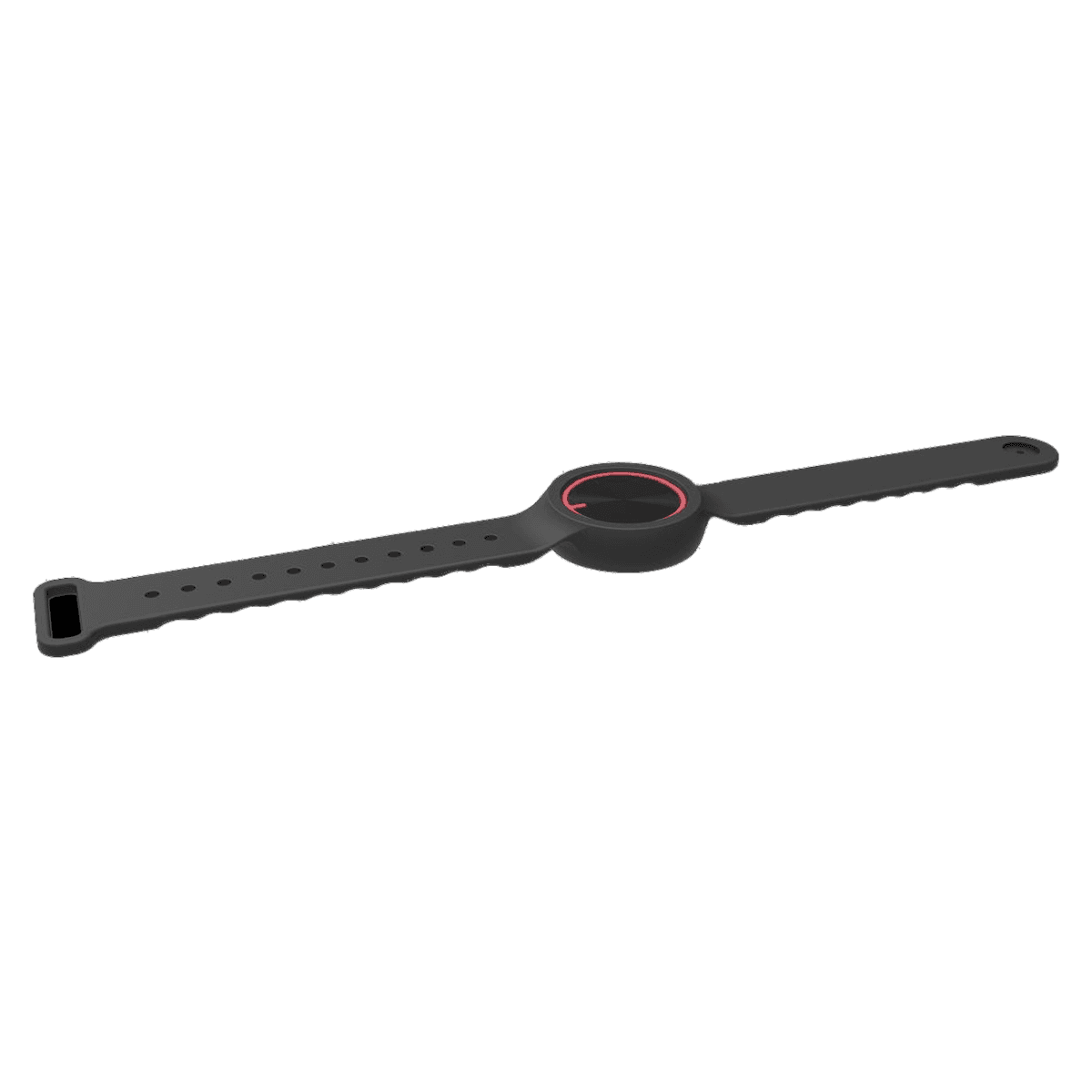
  4. The StediGuard B10 laid flat, showing the full adjustable strapAdjustable strap
    Strap

How it works

Three parts, one quiet connection.

Your B10 talks to your phone, and your phone lets your people know.

  1. The StediGuard B10 on the wrist side of the connection

    Wear it

  2. Your phone checks in

  3. A caregiver's StediGuard screen reading SOS activated, with the location shown on a map and an Open in Apple Maps button

    Your people know

Set up in four steps

  1. 1Wear the band
  2. 2Pair your phone
  3. 3Add your people
  4. 4Live your day

Features

Safety that stays out of your way.

  1. StediGuard fall detected screen with a countdown ring, the words sending help in, and a large I'm OK, cancel button

    Fall detection

    Premium

    A moment to say you're okay.

    If the app senses a possible fall, a countdown lets you cancel before anyone is alerted.

  2. StediGuard home screen showing today's activity, an Activity Score of 50, the Activate SOS button, Silent SOS and Fall Detection switched on

    SOS

    Free

    Help is one press away.

    Press your B10's button or tap SOS in the app. Silent SOS stays discreet.

  3. A caregiver's StediGuard screen reading SOS activated, with the location shown on a map and an Open in Apple Maps button

    Linked caregivers

    FreePremium

    Your people, in the loop.

    Caregivers with the app get your alert and your phone's location. Premium adds calls and texts.

  4. StediGuard Safe Zone screen with a zone circle on a map, a zone size slider, a Home name field and a Save safe zone button

    Safe Zone

    Premium

    A gentle heads up beyond home.

    Get an alert when your phone leaves the area you set.

  5. Daily activity

    FreePremium

    Your day, at a glance.

    Daily steps are free. Activity Score, movement reminders and streaks come with Premium.

  6. The StediGuard B10, which links to your phone over Bluetooth
    Linked to your phone

    Connection alerts

    Free

    An alarm if the link drops.

    If your B10 loses its Bluetooth connection, the app sounds an alarm.

Try it

See it work, step by step.

Demo

After a possible fall

  1. 1EverydayFall Detection is on and your B10 is connected.
  2. 2Possible fallA countdown starts. Tap I'm OK to cancel if you're fine.
  3. 3Your people knowIf you don't cancel, linked caregivers get an alert with your phone's location.

StediGuard home screen showing today's activity, an Activity Score of 50, the Activate SOS button, Silent SOS and Fall Detection switched on
Demo

Leaving your Safe Zone

Drag the phone, or use the arrows, to move it past the ring.

Inside your safe zone.

StediGuard Safe Zone screen with a zone circle on a map, a zone size slider, a Home name field and a Save safe zone button

Who it's for

Made for the people who matter.

  • Older friends laughing together around a chess board in a bright room

    Older adults

    Live life your way

    Stay active and independent, with help one press away.

  • An older woman and a younger woman sitting side by side at home, smiling softly

    Families

    Stay close from afar

    Know when someone you love may need you.

  • A smiling older woman holding hands with a care professional

    Care settings

    Everyday awareness, personally

    A personal wearable and app for each resident's day.

An older couple sitting outdoors in warm evening sunlight, eyes closed and content

Peace of mind

Peace of mind matters to everyone.

Whether you're enjoying your day or caring for someone you love, staying connected gets easier.

  • You choose who's alerted
  • Cancel false alarms
  • Silent SOS

Free and Premium

Start free. Upgrade anytime.

Current options and pricing are shown in the app.

Free

Everyday essentials

  • Daily steps
  • SOS button and app SOS
  • Silent SOS
  • Caregiver app alerts
  • Loud phone alarm
  • Lost connection alarm

Premium

Everything in Free, plus

  • Possible fall detection
  • Automatic calls and texts
  • Safe Zone alerts
  • Activity Score and streaks
  • Movement reminders

Features may vary by platform and region.

StediGuard

By Vital Eye Health

Your safety companion is ready when you are.

Download free, pair your wristband and add your people.

StediGuard alert reading You left your safe zone, with a countdown before alerting family and an I'm safe button

FAQs

Your questions, answered simply.

In an emergency, always call your local emergency number.

What is StediGuard?

A wearable and app from Vital Eye Health that help recognize possible falls and send SOS alerts. It supports everyday safety and doesn't replace emergency services.

Do I need the wearable to use StediGuard?

Yes, for fall detection and the SOS button. The wristband works with your phone and doesn't make calls or connect to a mobile network on its own.

How does possible fall detection work?

The wristband shares motion with the app, which looks for patterns that may mean a fall. It can't catch every fall, so you always get a chance to cancel.

What happens when a possible fall is detected?

A countdown lets you cancel if you're okay. If you don't, your contacts are alerted with your phone's location.

Can I contact family members using SOS?

Yes, press your wristband's button or tap SOS in the app to alert linked caregivers. Premium adds automatic calls and texts.

Does StediGuard share my location?

Alerts can include your phone's location. Safe Zone uses your phone's location to notice when it leaves the area you set.

Can I use StediGuard on Android and iPhone?

Yes, on Google Play and the App Store. Background and Bluetooth behavior can differ by platform and phone settings.

What is included with StediGuard Premium?

Possible fall detection, automatic calls and texts, Safe Zone, Activity Score, streaks and movement reminders. Current options and pricing are in the app.

Do I need to keep Bluetooth enabled?

Yes, keep Bluetooth on and your phone nearby. Premium calls and texts go out from our servers, so your phone needs internet, not a SIM.

Where can I buy the wearable?

From Vital Eye Health at vitaleyehealth.com (opens in a new tab). The app is free on Google Play and the App Store.

Stay independent. Stay connected. Stay StediGuard.

Wearable safety for everyday confidence and the people who matter.

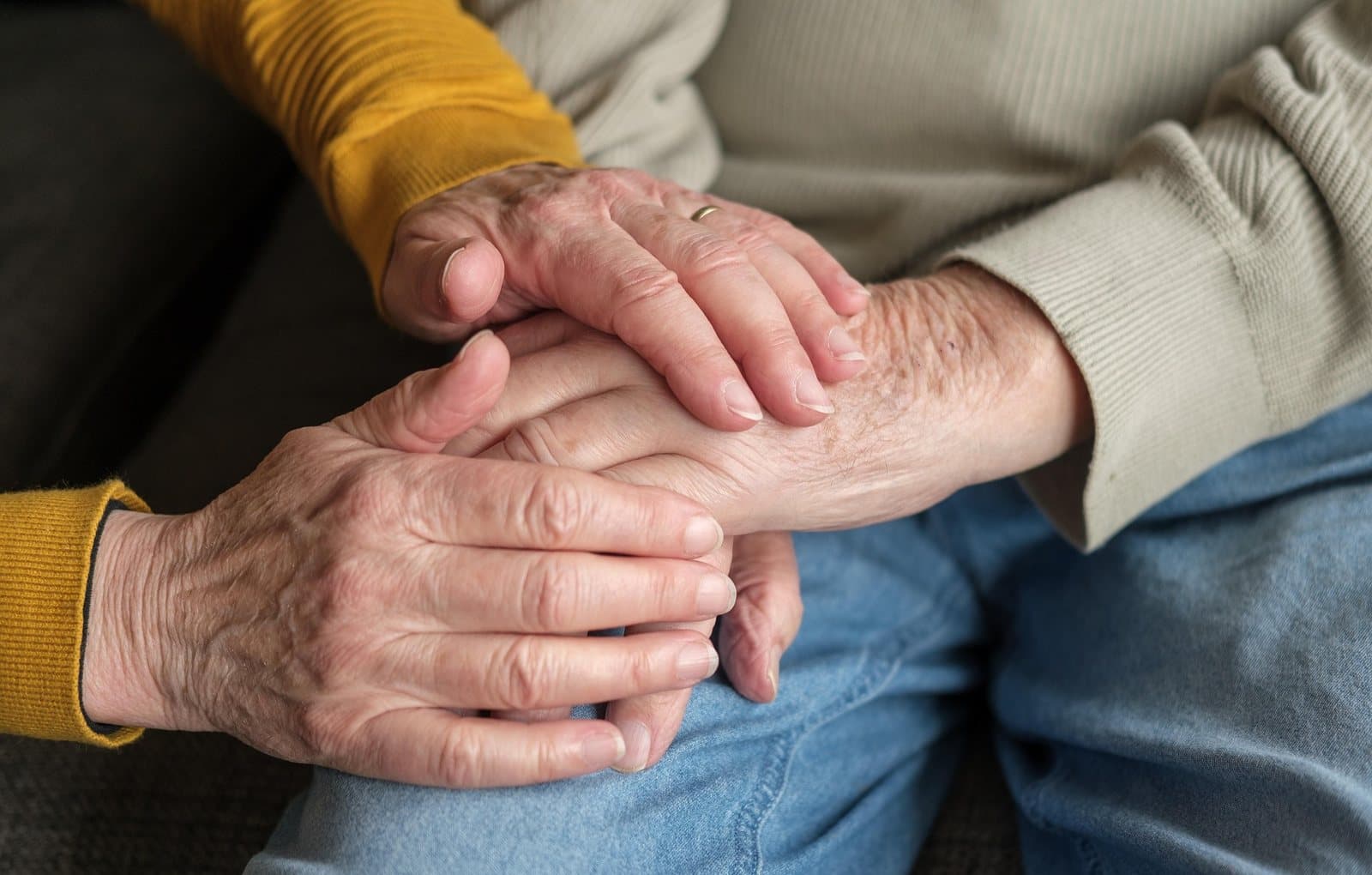
Two older people holding hands, one in a mustard sweater and one in a light knit